Kora Founders Edition Install 1.3 | Surface Mount vs. Flush Mount

Choose between surface mounting the Kora Smart Panel and flush mounting it into the wall.

1 min read

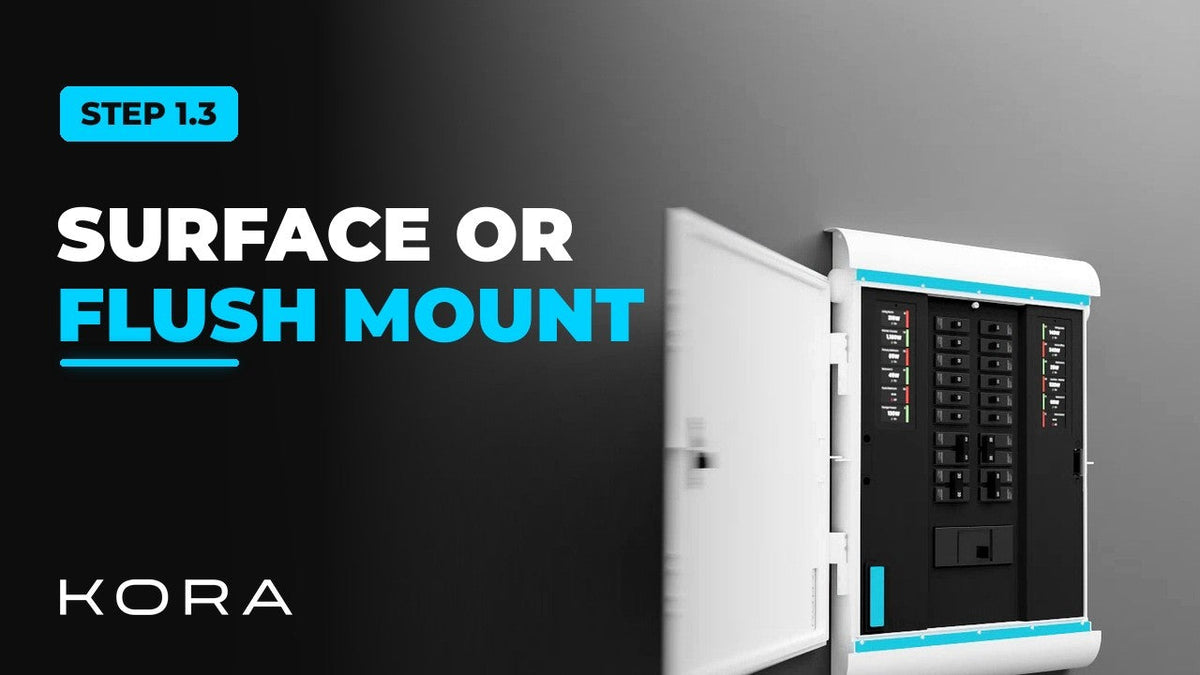
The Kora Smart Panel can be mounted on the surface of the wall or recessed for a flush mount. This video walks through how to choose.

Surface mounting keeps the panel's NEMA 4X-rated exterior shell on, which is the option to use outdoors. Flush (recessed) installations are for indoor locations only.

What to know

  • Surface mount: exterior shell on, suitable indoors or outdoors
  • Flush mount: recessed into the wall, indoor only
  • The door can be set to open to the left or the right

Part of the Kora Smart Panel installation series for licensed electricians installing the Kora Founders Edition. Previous: 1.2 Kill the Power: Lockout/Tagout. Next: 1.4 Surface-Mount Installation.

From the manual

The matching pages from the Kora Smart Panel & Powerblocks Installation Manual. Always follow the manual and local code.

  • Kora installation manual page 45: 8.2 Surface vs. Flush Mount (Fig. 17)
    Manual p. 45 – 8.2 Surface vs. Flush Mount (Fig. 17)
  • Kora installation manual page 44: 8.2 Choosing the Location
    Manual p. 44 – 8.2 Choosing the Location

Keep reading

View all

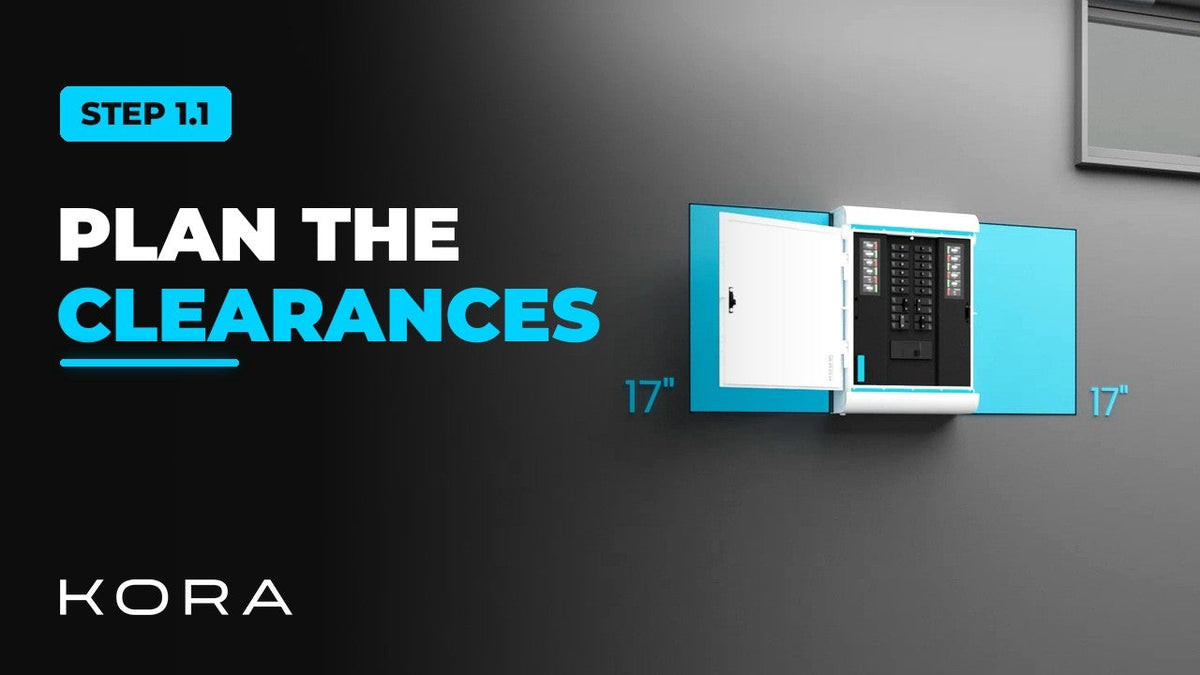
Kora Founders Edition Install 1.1 | Smart Panel Clearances and Location

Kora Founders Edition Install 1.1 | Smart Panel Clearances and Location

Plan where the Kora Smart Panel goes and confirm the working clearances before anything goes on the wall.

Read more

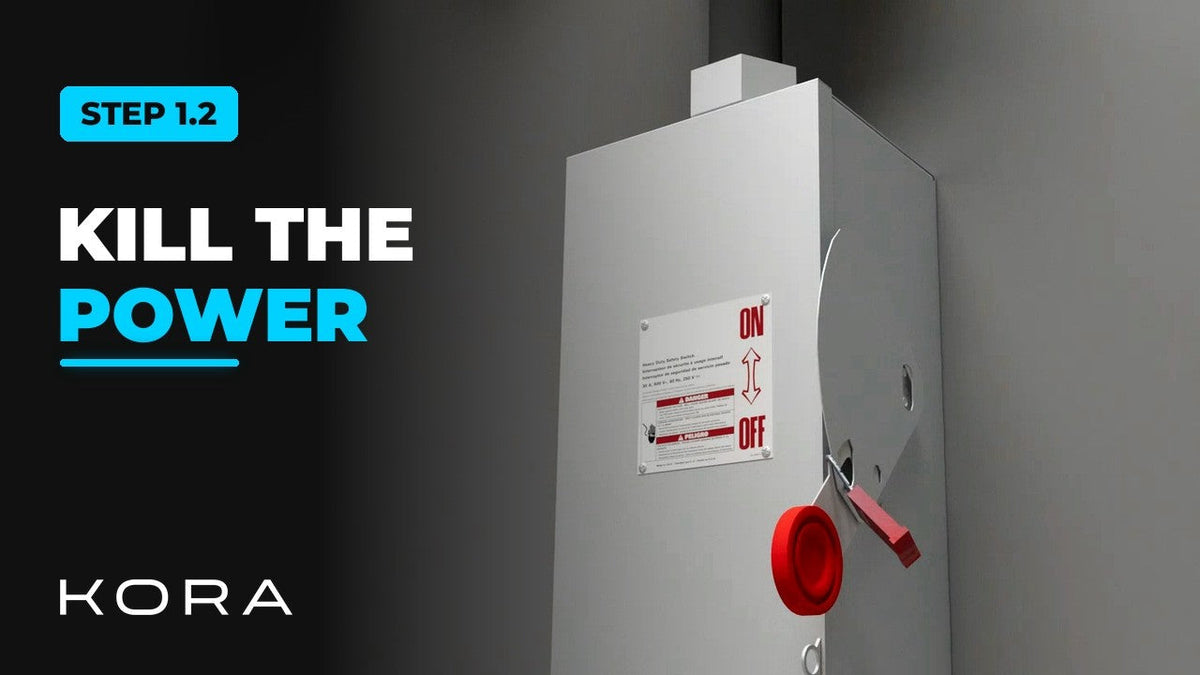
Kora Founders Edition Install 1.2 | Kill the Power: Lockout/Tagout

Kora Founders Edition Install 1.2 | Kill the Power: Lockout/Tagout

Shut off the service and make the work area safe before you touch a single wire.

Read more

Kora Founders Edition Install 1.3 | Surface Mount vs. Flush Mount

Kora Founders Edition Install 1.3 | Surface Mount vs. Flush Mount

Choose between surface mounting the Kora Smart Panel and flush mounting it into the wall.

Read more