Installation Videos
Step-by-step videos for licensed electricians installing the Kora Smart Panel and Powerblocks, each paired with the matching pages from the installation manual.
-
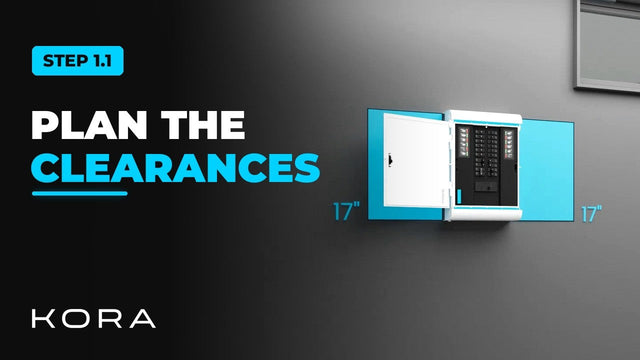
Kora Founders Edition Install 1.1 | Smart Panel Clearances and Location
Plan where the Kora Smart Panel goes and confirm the working clearances before anything goes on the wall.
Watch -
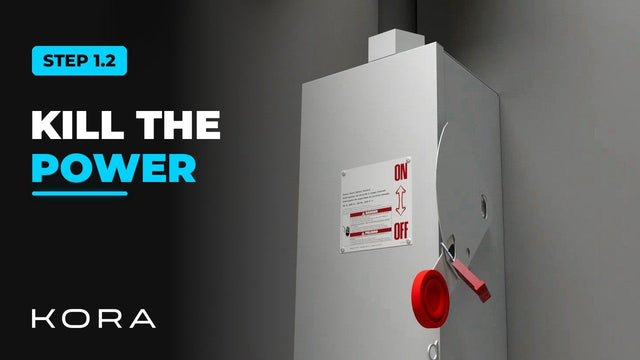
Kora Founders Edition Install 1.2 | Kill the Power: Lockout/Tagout
Shut off the service and make the work area safe before you touch a single wire.
Watch -
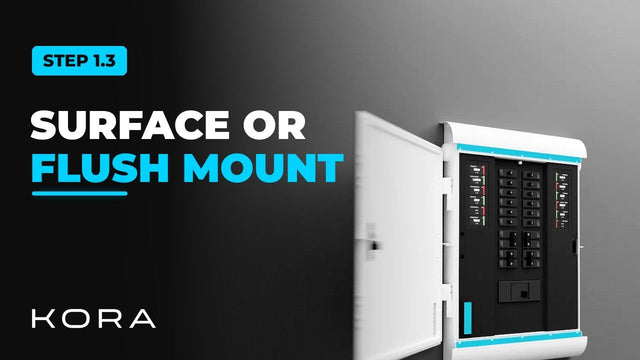
Kora Founders Edition Install 1.3 | Surface Mount vs. Flush Mount
Choose between surface mounting the Kora Smart Panel and flush mounting it into the wall.
Watch -
Kora Founders Edition Install 1.4 | Surface-Mount Installation
Surface mount the Kora Smart Panel using its weatherproof exterior shell.
Watch -
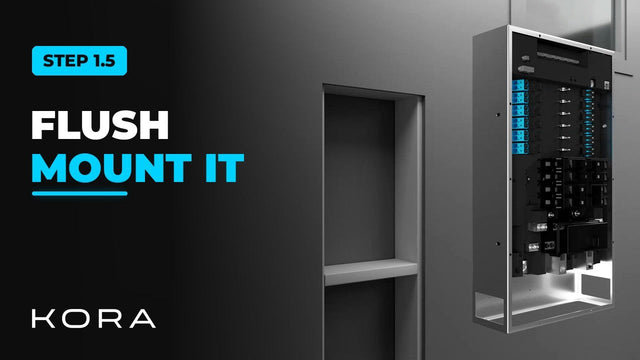
Kora Founders Edition Install 1.5 | Flush-Mount Recess and Backing
Create the recess and add solid blocking to flush mount the Kora Smart Panel indoors.
Watch -
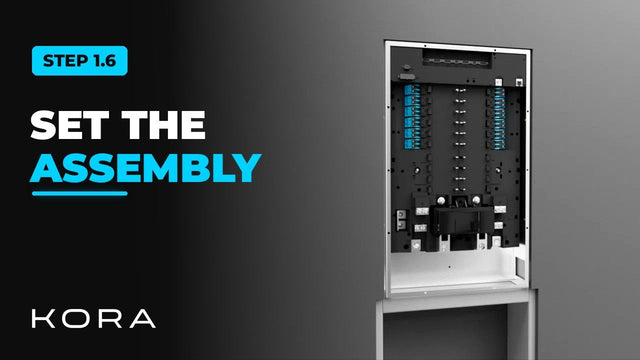
Kora Founders Edition Install 1.6 | Set and Level the Main Assembly
Set the Smart Panel main assembly into the recess, level and plumb it, and lock it down.
Watch -
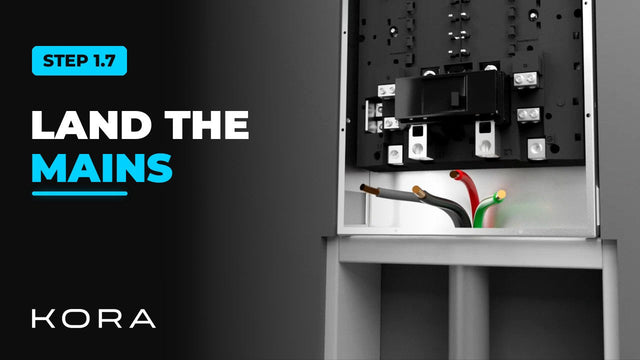
Kora Founders Edition Install 1.7 | Cut, Strip and Land the Mains
Cut and strip your conductors, then land the mains in the Smart Panel's high-voltage zone.
Watch -
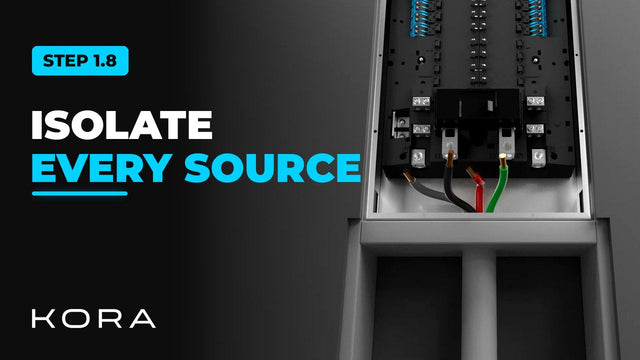
Kora Founders Edition Install 1.8 | Conductor Prep and Isolating Every Source
Prep your conductors and make sure every power source is isolated before you work on them.
Watch -
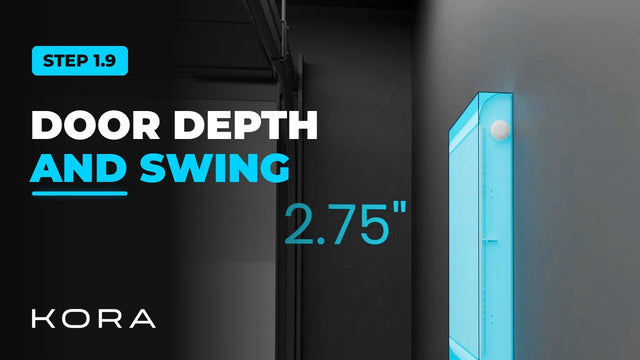
Kora Founders Edition Install 1.9 | Flush-Mount Door Depth and Swing
On a flush mount, the Smart Panel door sits proud of the finished wall. Plan for it.
Watch -
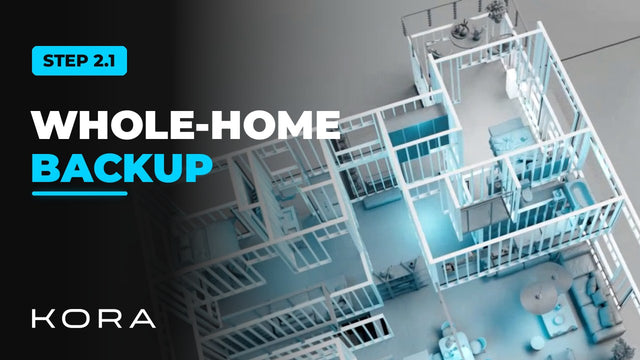
Kora Founders Edition Install 2.1 | Whole-Home Backup: Smart Panel as Main Panel
Install the Kora Smart Panel as the home's main panel so every circuit can be backed up.
Watch -
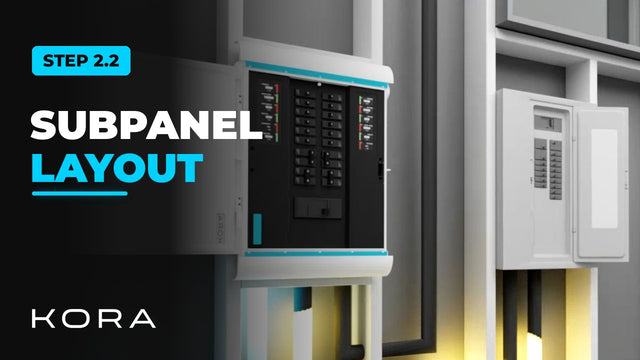
Kora Founders Edition Install 2.2 | Smart Panel as a Subpanel
Install the Smart Panel as a subpanel downstream of the existing main panel and choose which circuits get backup.
Watch -
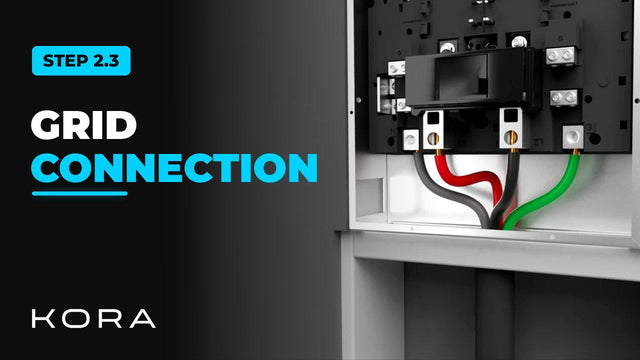
Kora Founders Edition Install 2.3 | Grid Connection: Ground, Neutral and Hots
Land the utility feed in the Kora Smart Panel: ground and neutral first, then the two hots.
Watch -
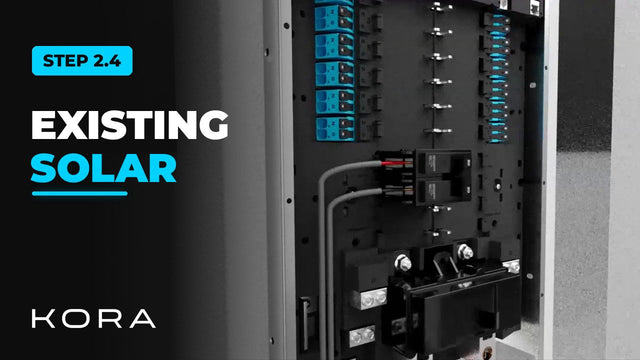
Kora Founders Edition Install 2.4 | Connecting Existing Solar
If the home already has solar, its inverter output lands in the Smart Panel's built-in PV breaker position.
Watch -
Kora Founders Edition Install 2.5 | Landing the Branch Breakers
Connect the branch breakers, the circuits the homeowner controls in the Kora Power App.
Watch -
Kora Founders Edition Install 2.6 | Installing Current Transformers (CTs)
Install the current transformers, the sensor clamps that let the system measure energy.
Watch -
Kora Founders Edition Install 2.8 | Network Connection: Ethernet and Wi-Fi
Connect the Smart Panel to the internet: Ethernet to the router, with Wi-Fi as the backup.
Watch -
Kora Founders Edition Install 2.9 | Wiring the Emergency Stop (E-Stop)
Connect the emergency stop button to the Smart Panel's E-stop terminals.
Watch -
Kora Founders Edition Install 2.10 | Smart Panel Installed: Next, Powerblocks
The Kora Smart Panel is mounted and wired. Next, bring in the Powerblocks.
Watch -
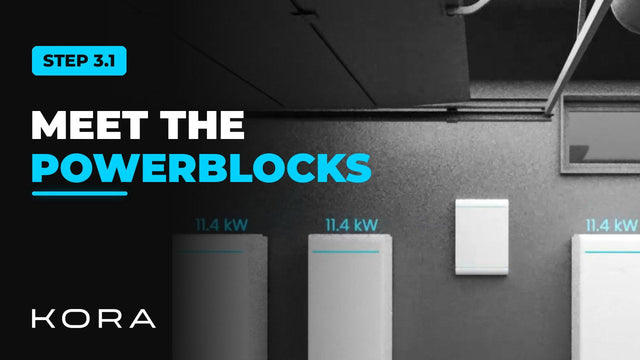
Kora Founders Edition Install 3.1 | Powerblocks Overview and Box Contents
What each Powerblocks tower is made of and what comes in the box.
Watch -
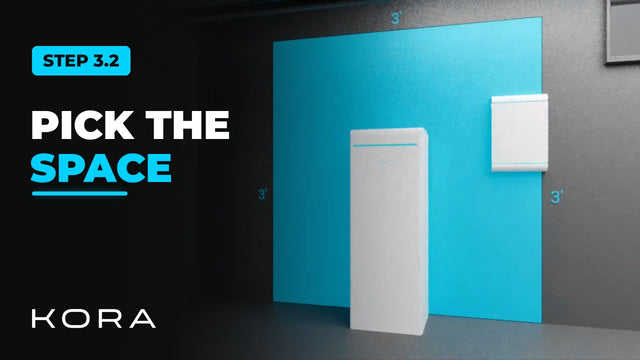
Kora Founders Edition Install 3.2 | Powerblocks Clearances and Location
Select the installation space for the Powerblocks and keep the required clearances.
Watch -
Kora Founders Edition Install 3.3 | Mounting the Powerblocks Base
Set and secure the base each Powerblocks tower stands on.
Watch -
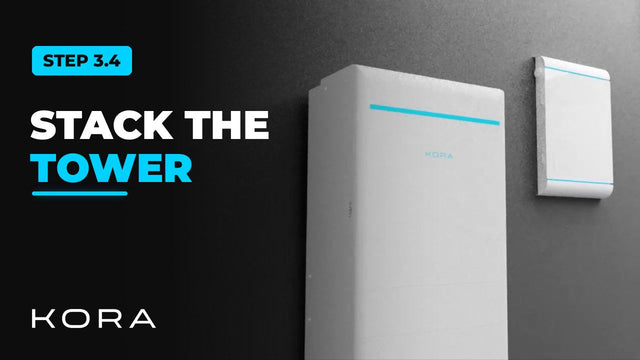
Kora Founders Edition Install 3.4 | Stacking the Powerblocks Tower
Assemble each Powerblocks tower: batteries first, hybrid inverter on top.
Watch -
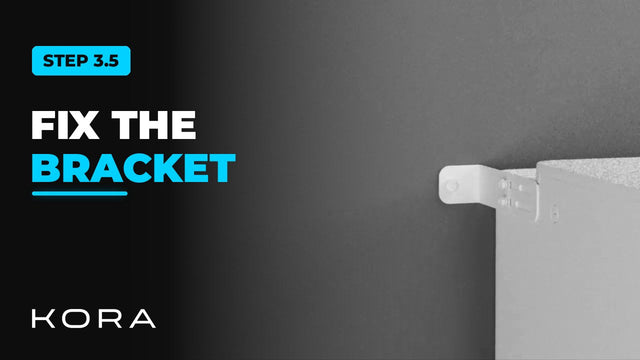
Kora Founders Edition Install 3.5 | Securing the Tower with the Wall Bracket
Secure each Powerblocks tower to the wall with its bracket.
Watch -
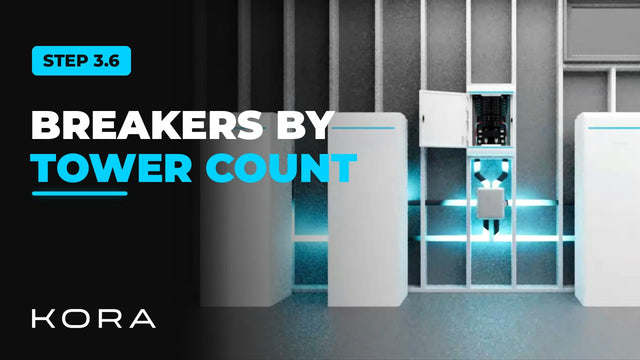
Kora Founders Edition Install 3.6 | Powerblocks Breaker Layout
How the Powerblocks land on the Smart Panel depends on your total tower count.
Watch -
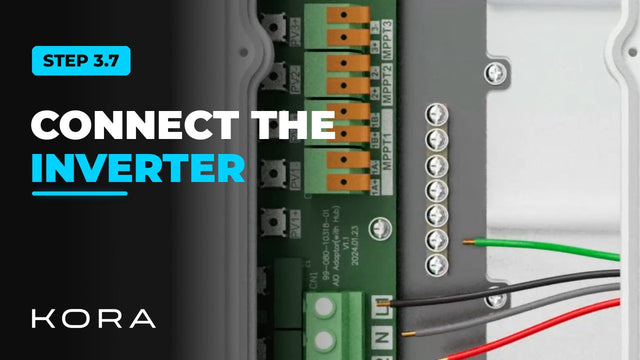
Kora Founders Edition Install 3.7 | Connecting Powerblocks to the Smart Panel
Wire each Powerblocks hybrid inverter to the Smart Panel.
Watch -
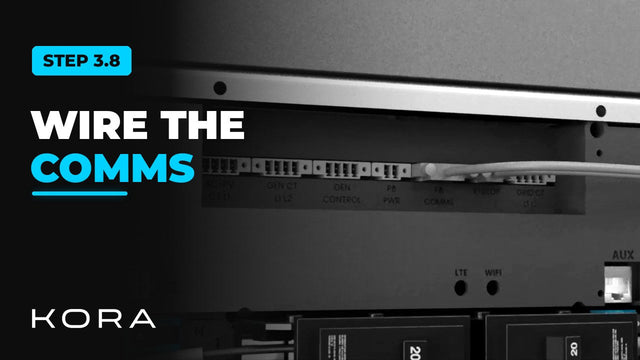
Kora Founders Edition Install 3.8 | Powerblocks Communications Daisy Chain
Install the communications link between the Smart Panel and the Powerblocks.
Watch -
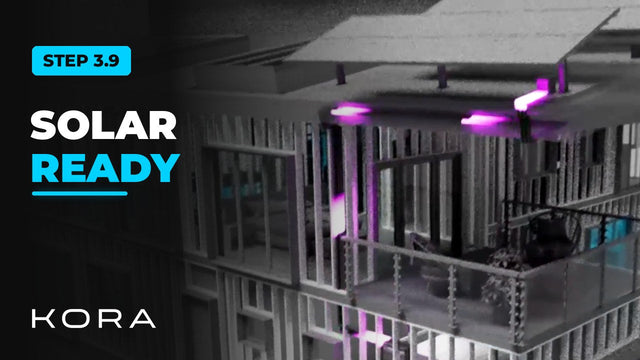
Kora Founders Edition Install 3.9 | Solar-Ready Hybrid Inverter
Every Powerblocks hybrid inverter is solar ready, which makes adding solar later simpler.
Watch -
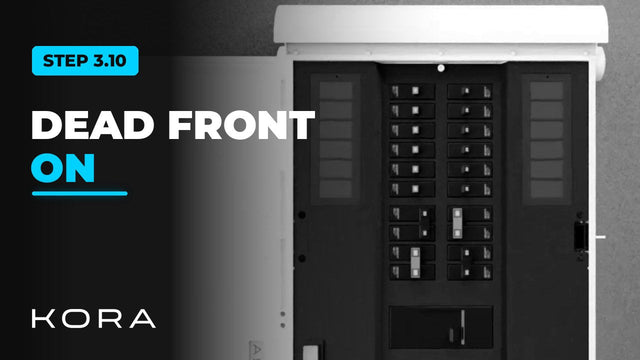
Kora Founders Edition Install 3.10 | Install the Dead Front and Re-Energize
Install the Smart Panel's dead front, complete the pre-energize checks, then bring power back.
Watch -
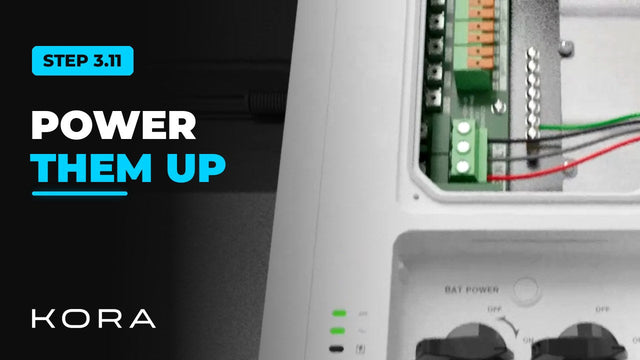
Kora Founders Edition Install 3.11 | Power Up and Check the Powerblocks
Switch on the Powerblocks and confirm every unit is talking to the Smart Panel.
Watch