

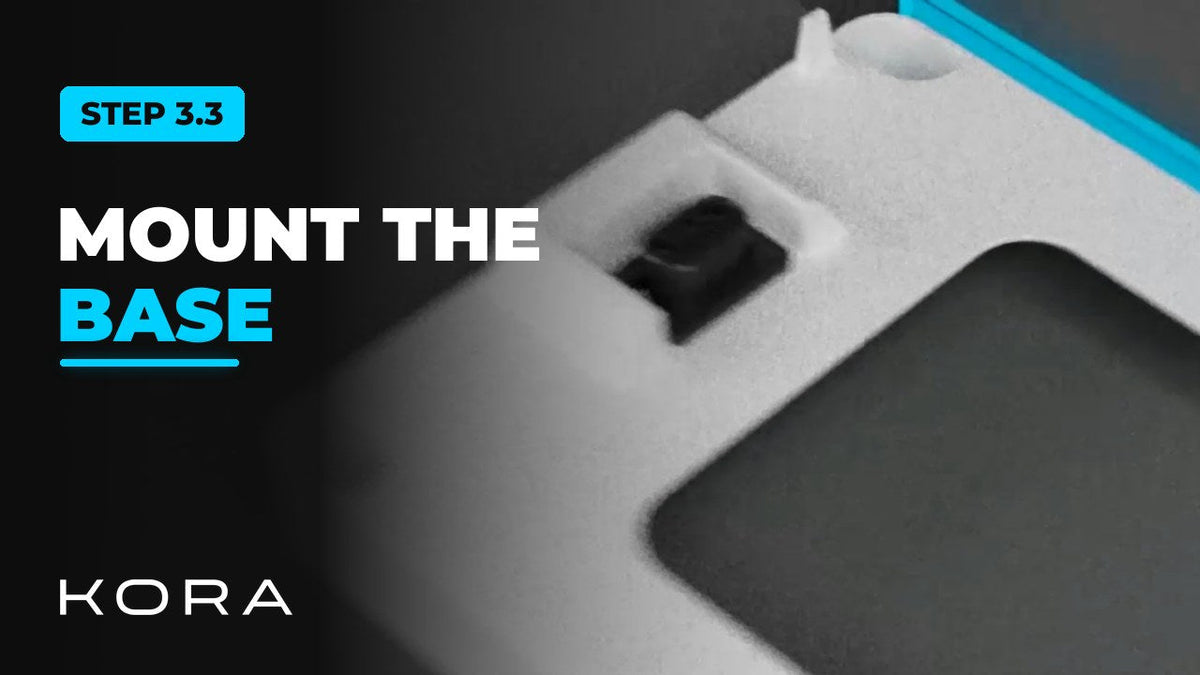
Set and secure the base each Powerblocks tower stands on. The base goes down first, and everything else stacks on it.
Position it against the wall with the connector on the left, keep the gap to the wall shown in the manual, then anchor it.
Key steps
- Position the base against the wall with the connector on the left
- Mark and drill the mounting holes
- Anchor the base and torque the anchors per the manual
Part of the Kora Smart Panel installation series for licensed electricians installing the Kora Founders Edition. Previous: 3.2 Powerblocks Clearances and Location. Next: 3.4 Stacking the Powerblocks Tower.




Share:
Previous
Kora Founders Edition Install 3.2 | Powerblocks Clearances and Location
Next
Kora Founders Edition Install 3.4 | Stacking the Powerblocks Tower