Powerblocks
Step-by-step videos for licensed electricians installing the Kora Smart Panel and Powerblocks, each paired with the matching pages from the installation manual.
-
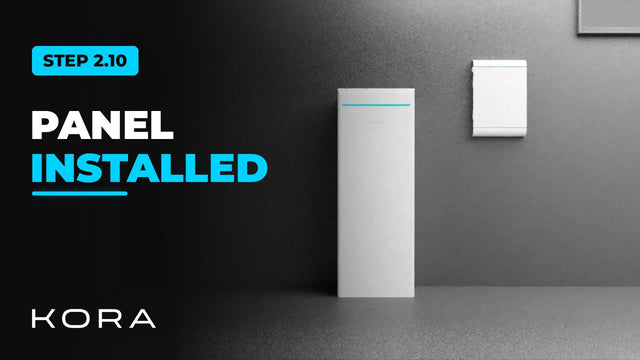
Kora Founders Edition Install 2.10 | Smart Panel Installed: Next, Powerblocks
The Kora Smart Panel is mounted and wired. Next, bring in the Powerblocks.
Watch -
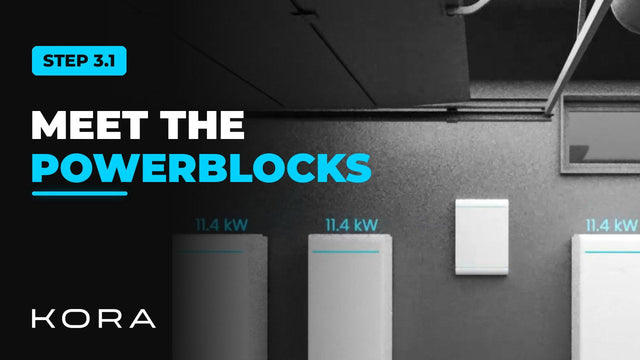
Kora Founders Edition Install 3.1 | Powerblocks Overview and Box Contents
What each Powerblocks tower is made of and what comes in the box.
Watch -
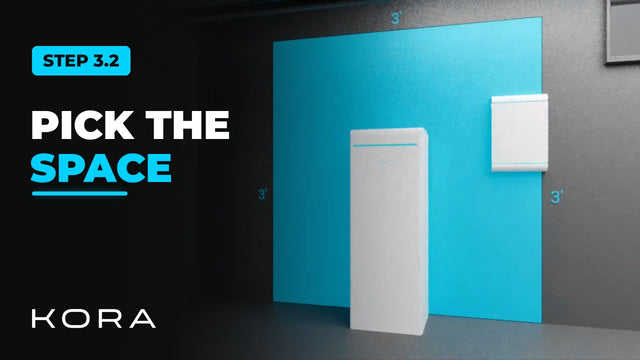
Kora Founders Edition Install 3.2 | Powerblocks Clearances and Location
Select the installation space for the Powerblocks and keep the required clearances.
Watch -
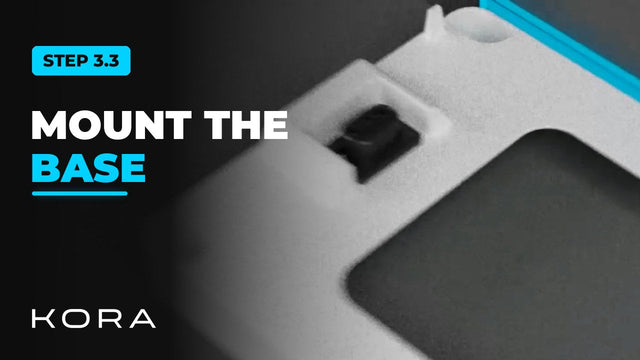
Kora Founders Edition Install 3.3 | Mounting the Powerblocks Base
Set and secure the base each Powerblocks tower stands on.
Watch -
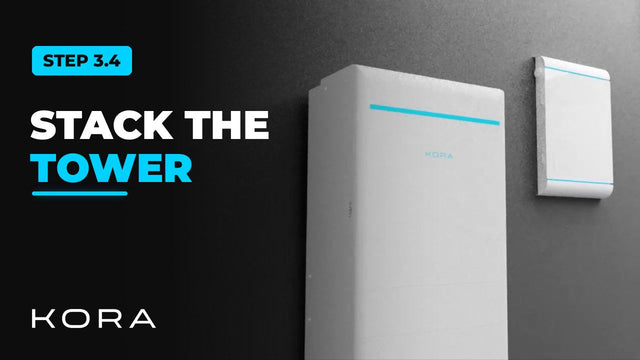
Kora Founders Edition Install 3.4 | Stacking the Powerblocks Tower
Assemble each Powerblocks tower: batteries first, hybrid inverter on top.
Watch -
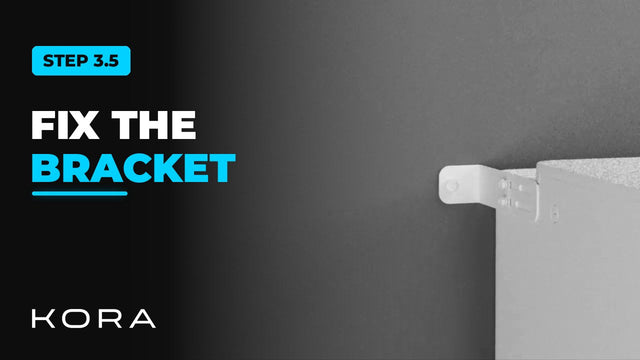
Kora Founders Edition Install 3.5 | Securing the Tower with the Wall Bracket
Secure each Powerblocks tower to the wall with its bracket.
Watch -
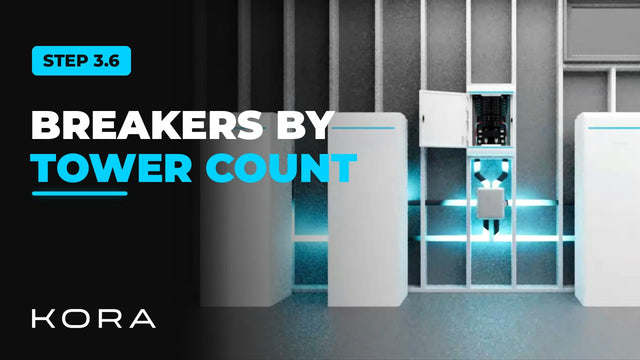
Kora Founders Edition Install 3.6 | Powerblocks Breaker Layout
How the Powerblocks land on the Smart Panel depends on your total tower count.
Watch -
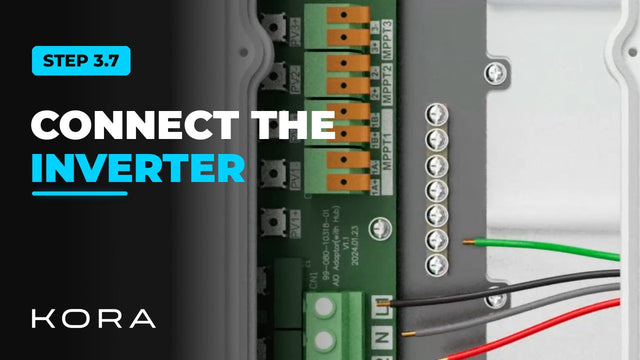
Kora Founders Edition Install 3.7 | Connecting Powerblocks to the Smart Panel
Wire each Powerblocks hybrid inverter to the Smart Panel.
Watch -
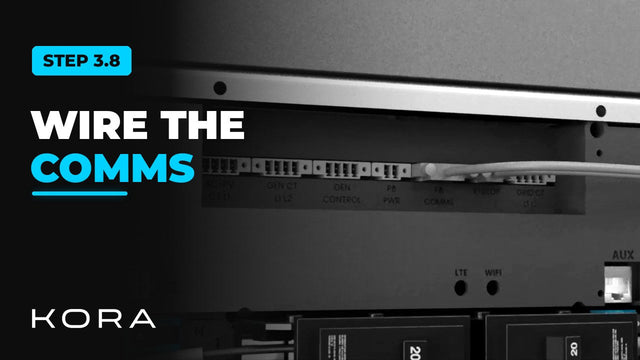
Kora Founders Edition Install 3.8 | Powerblocks Communications Daisy Chain
Install the communications link between the Smart Panel and the Powerblocks.
Watch -
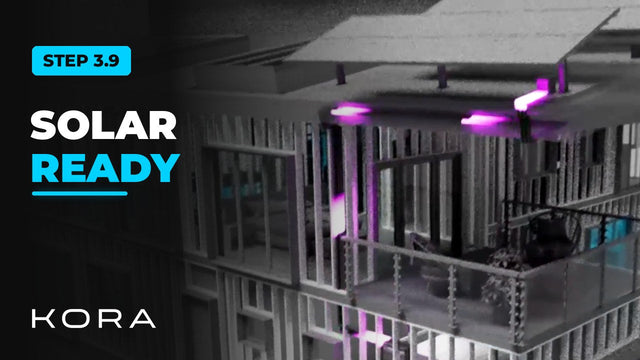
Kora Founders Edition Install 3.9 | Solar-Ready Hybrid Inverter
Every Powerblocks hybrid inverter is solar ready, which makes adding solar later simpler.
Watch -
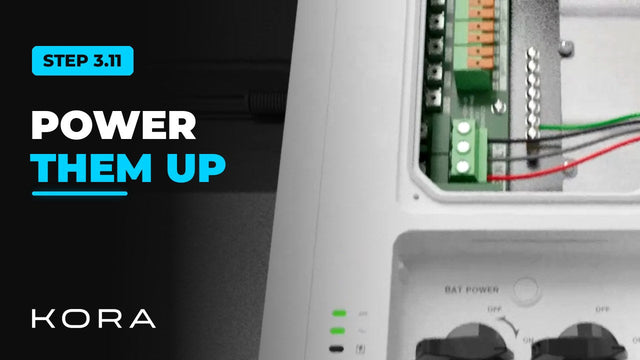
Kora Founders Edition Install 3.11 | Power Up and Check the Powerblocks
Switch on the Powerblocks and confirm every unit is talking to the Smart Panel.
Watch