Kora Founders Edition Install 3.4 | Stacking the Powerblocks Tower

Assemble each Powerblocks tower: batteries first, hybrid inverter on top.

1 min read

Assemble each Powerblocks tower: battery modules first, hybrid inverter on top. Battery modules and the inverter are heavy, so plan two-person lifts.

Lower each module straight down onto the one below and lock it in place before adding the next.

Key steps

  • Lower a battery module onto the base
  • Continue stacking batteries as applicable, locking each one
  • Use the included handles to lift and place the hybrid inverter on top

Part of the Kora Smart Panel installation series for licensed electricians installing the Kora Founders Edition. Previous: 3.3 Mounting the Powerblocks Base. Next: 3.5 Securing the Tower with the Wall Bracket.

From the manual

The matching pages from the Kora Smart Panel & Powerblocks Installation Manual. Always follow the manual and local code.

  • Kora installation manual page 71: 10.2 Stacking Battery Modules (Fig. 33)
    Manual p. 71 – 10.2 Stacking Battery Modules (Fig. 33)
  • Kora installation manual page 72: 10.2 Seating the Hybrid Inverter (Fig. 34)
    Manual p. 72 – 10.2 Seating the Hybrid Inverter (Fig. 34)
  • Kora installation manual page 14: 1.7 Lifting
    Manual p. 14 – 1.7 Lifting

Keep reading

View all

Kora Founders Edition Install 1.1 | Smart Panel Clearances and Location

Kora Founders Edition Install 1.1 | Smart Panel Clearances and Location

Plan where the Kora Smart Panel goes and confirm the working clearances before anything goes on the wall.

Read more

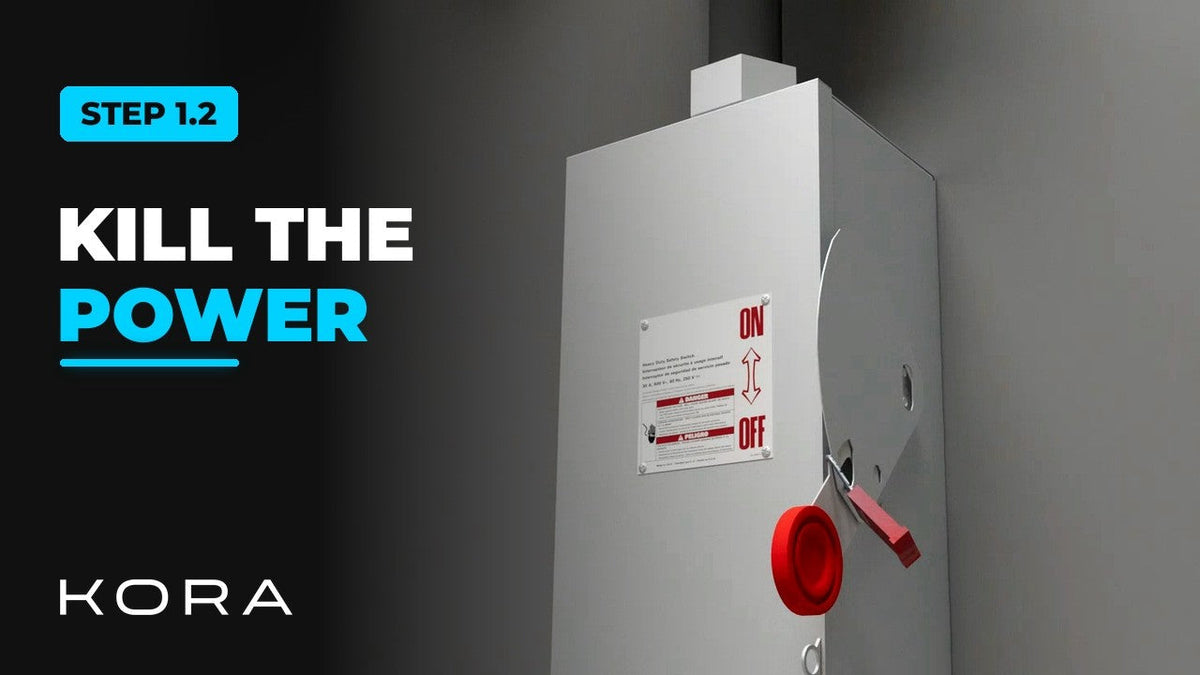
Kora Founders Edition Install 1.2 | Kill the Power: Lockout/Tagout

Kora Founders Edition Install 1.2 | Kill the Power: Lockout/Tagout

Shut off the service and make the work area safe before you touch a single wire.

Read more

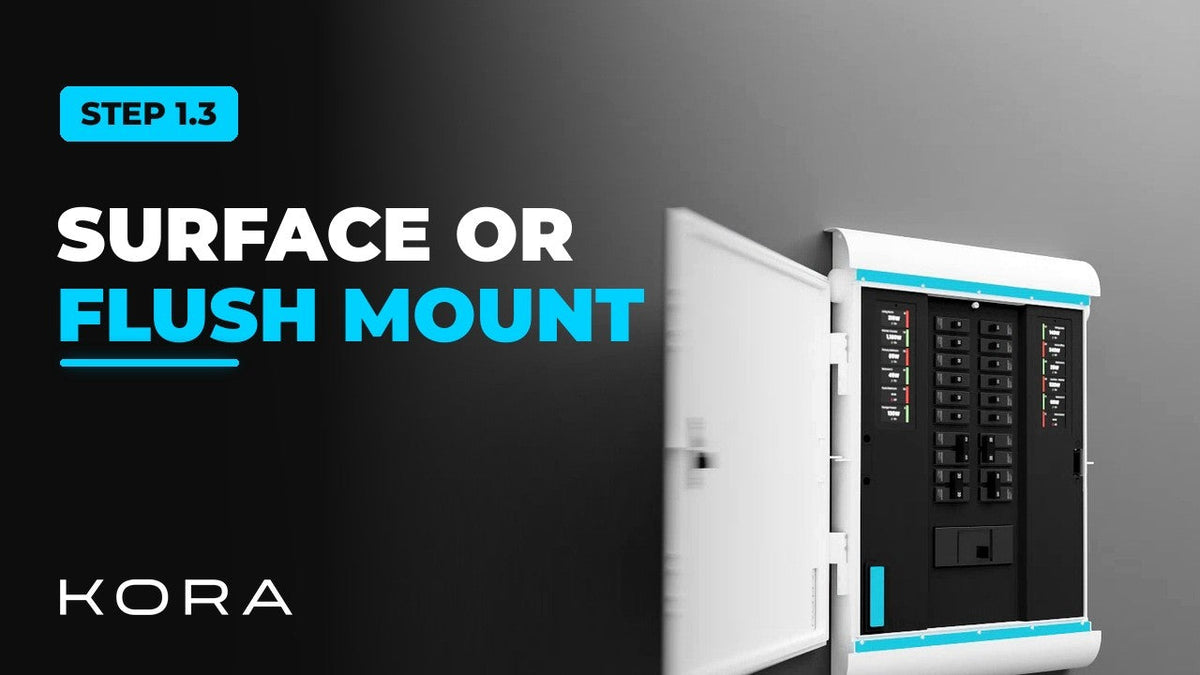
Kora Founders Edition Install 1.3 | Surface Mount vs. Flush Mount

Kora Founders Edition Install 1.3 | Surface Mount vs. Flush Mount

Choose between surface mounting the Kora Smart Panel and flush mounting it into the wall.

Read more