Kora Founders Edition Install 3.5 | Securing the Tower with the Wall Bracket

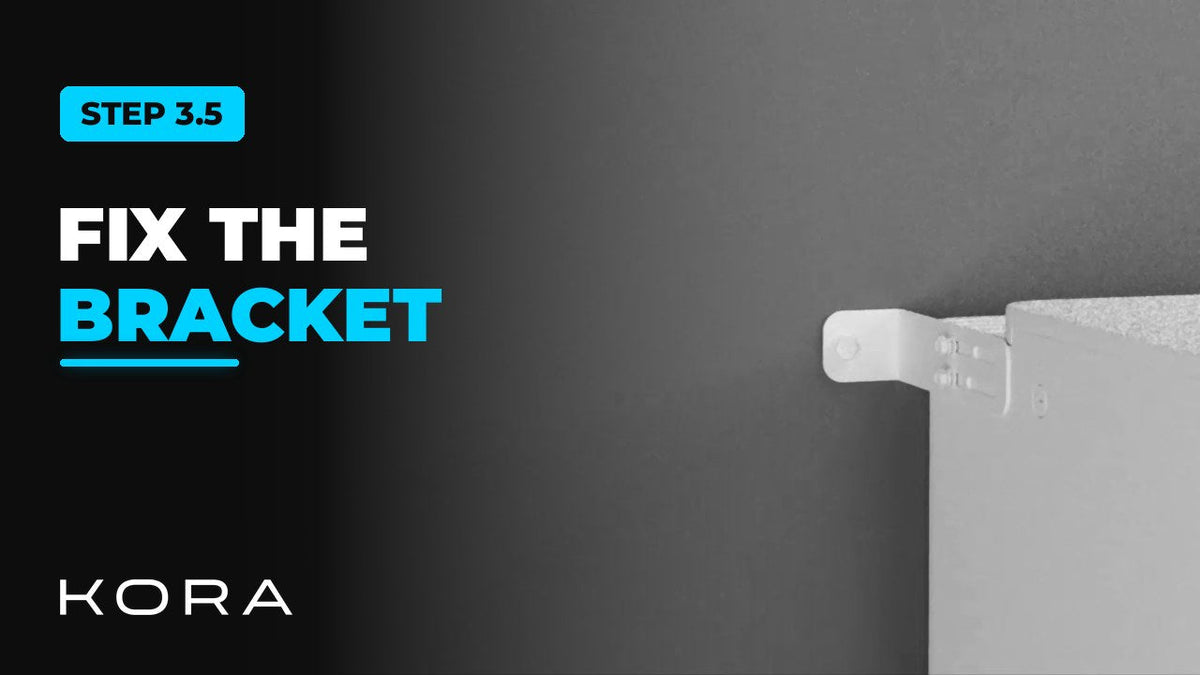
Secure each Powerblocks tower to the wall with its bracket.

1 min read

Secure the Powerblocks tower to the wall with its bracket. The bracket fastens to both the wall and the tower, and it's required on every install.

Fasten into solid structure, never into drywall alone.

Key steps

  • Mark the wall with the bracket hole positions
  • Drill the holes
  • Fasten the bracket to the wall and to the tower with the supplied anchors

Part of the Kora Smart Panel installation series for licensed electricians installing the Kora Founders Edition. Previous: 3.4 Stacking the Powerblocks Tower. Next: 3.6 Powerblocks Breaker Layout.

From the manual

The matching pages from the Kora Smart Panel & Powerblocks Installation Manual. Always follow the manual and local code.

  • Kora installation manual page 73: 10.2 Wall Bracket (Fig. 35)
    Manual p. 73 – 10.2 Wall Bracket (Fig. 35)
  • Kora installation manual page 72: 10.2 Seating the Hybrid Inverter (Fig. 34)
    Manual p. 72 – 10.2 Seating the Hybrid Inverter (Fig. 34)

Keep reading

View all

Kora Founders Edition Install 1.1 | Smart Panel Clearances and Location

Kora Founders Edition Install 1.1 | Smart Panel Clearances and Location

Plan where the Kora Smart Panel goes and confirm the working clearances before anything goes on the wall.

Read more

Kora Founders Edition Install 1.2 | Kill the Power: Lockout/Tagout

Kora Founders Edition Install 1.2 | Kill the Power: Lockout/Tagout

Shut off the service and make the work area safe before you touch a single wire.

Read more

Kora Founders Edition Install 1.3 | Surface Mount vs. Flush Mount

Kora Founders Edition Install 1.3 | Surface Mount vs. Flush Mount

Choose between surface mounting the Kora Smart Panel and flush mounting it into the wall.

Read more