Kora Founders Edition Install 1.8 | Conductor Prep and Isolating Every Source

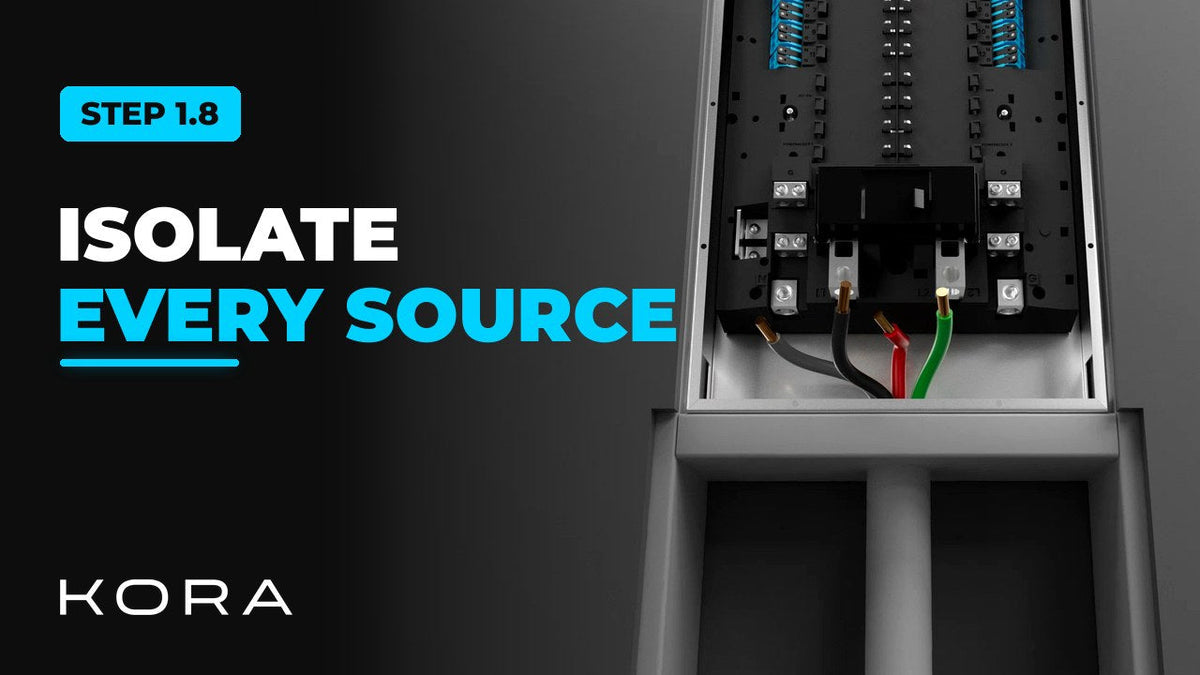
Prep your conductors and make sure every power source is isolated before you work on them.

1 min read

Prep your conductors and make sure every power source is isolated before you put a hand on them. A Kora system can be fed from the utility, batteries, solar and a generator, so isolating only the main service isn't enough.

Verify absence of voltage right at the work area, not just at the disconnect.

Key steps

  • Cut and strip conductors to the specified length
  • Black for L1, red for L2, gray for neutral, green for equipment ground
  • Isolate every source: utility, battery, solar and generator
  • Verify absence of voltage at the work area

Part of the Kora Smart Panel installation series for licensed electricians installing the Kora Founders Edition. Previous: 1.7 Cut, Strip and Land the Mains. Next: 1.9 Flush-Mount Door Depth and Swing.

From the manual

The matching pages from the Kora Smart Panel & Powerblocks Installation Manual. Always follow the manual and local code.

  • Kora installation manual page 15: 1.8 Electrical Connection Safety
    Manual p. 15 – 1.8 Electrical Connection Safety
  • Kora installation manual page 51: 9.2 Source (Grid) Connection
    Manual p. 51 – 9.2 Source (Grid) Connection

Keep reading

View all

Kora Founders Edition Install 1.1 | Smart Panel Clearances and Location

Kora Founders Edition Install 1.1 | Smart Panel Clearances and Location

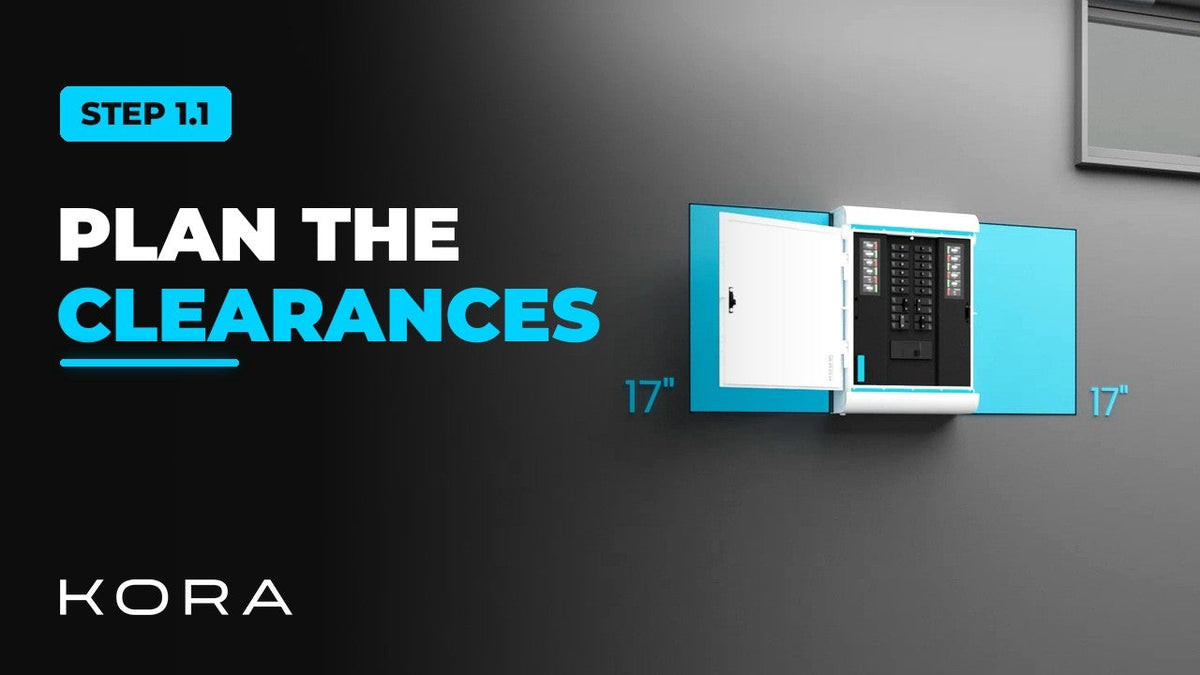
Plan where the Kora Smart Panel goes and confirm the working clearances before anything goes on the wall.

Read more

Kora Founders Edition Install 1.2 | Kill the Power: Lockout/Tagout

Kora Founders Edition Install 1.2 | Kill the Power: Lockout/Tagout

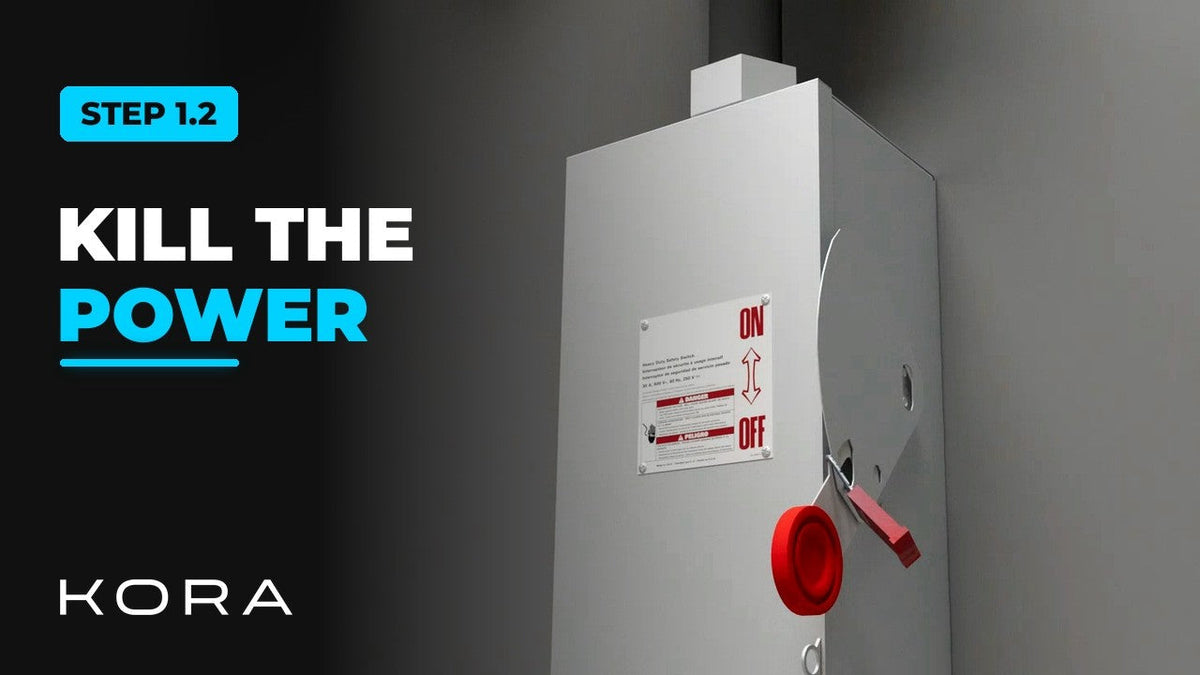
Shut off the service and make the work area safe before you touch a single wire.

Read more

Kora Founders Edition Install 1.3 | Surface Mount vs. Flush Mount

Kora Founders Edition Install 1.3 | Surface Mount vs. Flush Mount

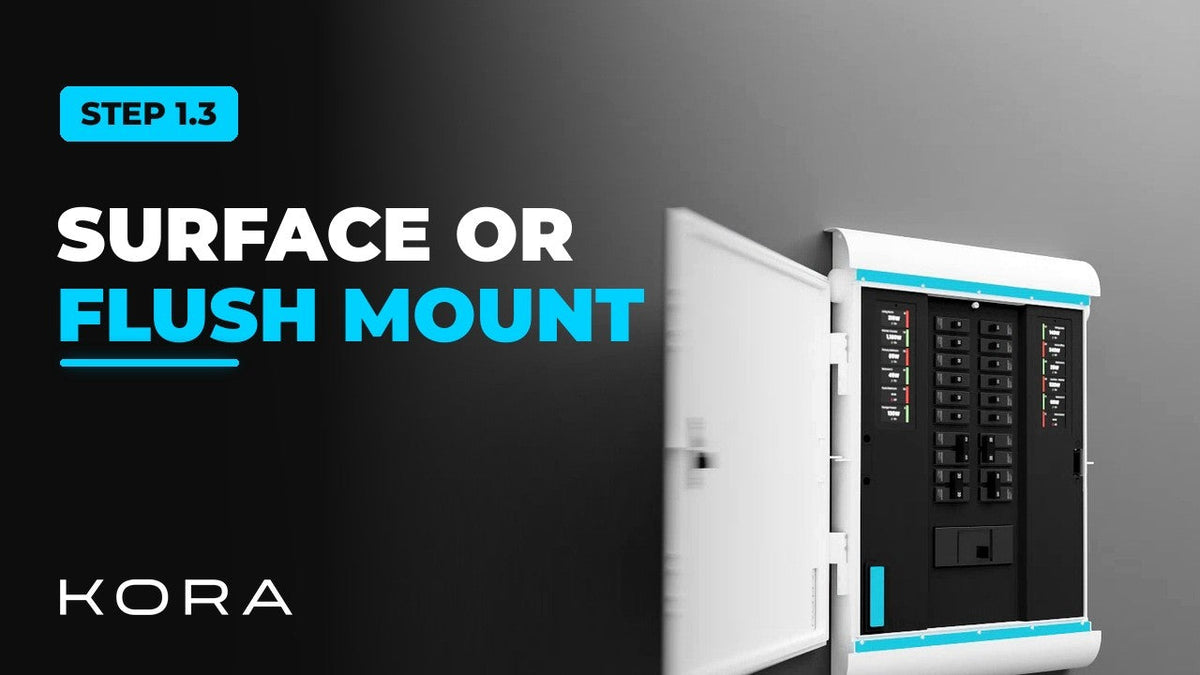
Choose between surface mounting the Kora Smart Panel and flush mounting it into the wall.

Read more