

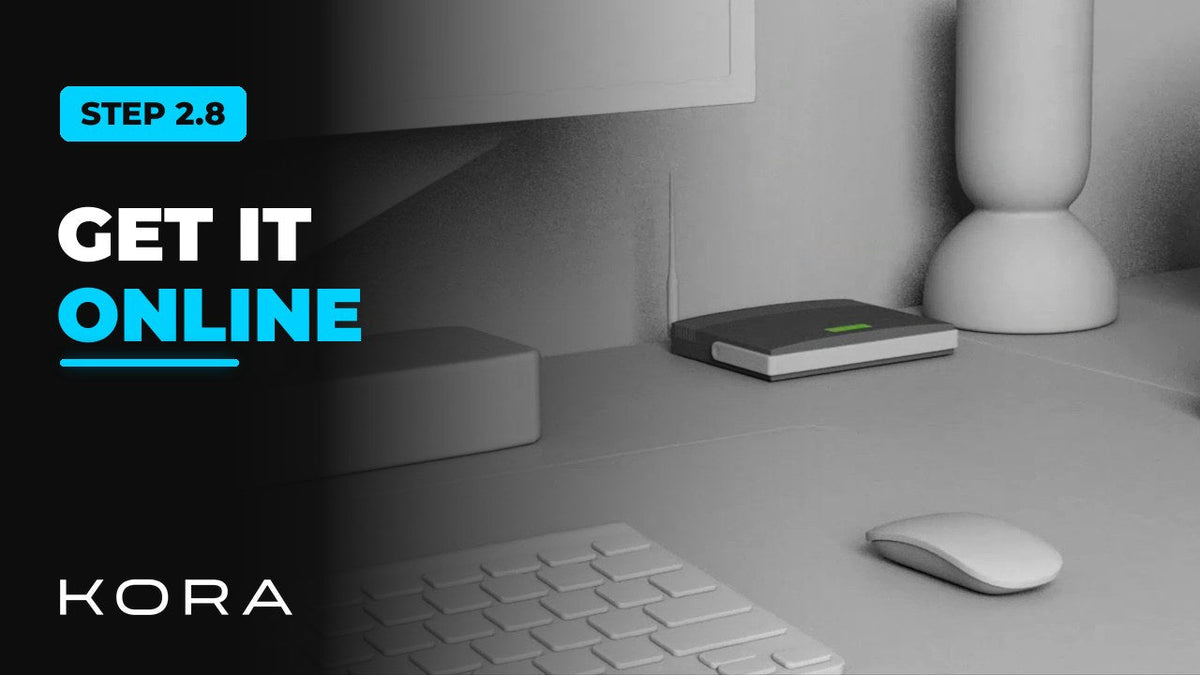
Some Smart Panel features need internet access. The most reliable way to connect it is a wired Ethernet run straight to the home's router.
Set up Wi-Fi as the backup connection. A weak Wi-Fi signal can hold up commissioning, so check it at the panel location.
Key steps
- Run an Ethernet cable from the Smart Panel to the router
- Set up Wi-Fi as the backup connection
- Check Wi-Fi signal strength at the panel
Part of the Kora Smart Panel installation series for licensed electricians installing the Kora Founders Edition. Previous: 2.6 Installing Current Transformers (CTs). Next: 2.9 Wiring the Emergency Stop (E-Stop).



Share:
Previous
Kora Founders Edition Install 2.6 | Installing Current Transformers (CTs)
Next
Kora Founders Edition Install 2.9 | Wiring the Emergency Stop (E-Stop)