Step 2 Wiring
Step-by-step videos for licensed electricians installing the Kora Smart Panel and Powerblocks, each paired with the matching pages from the installation manual.
-
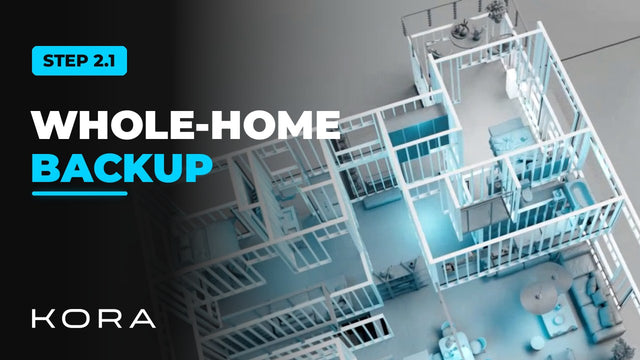
Kora Founders Edition Install 2.1 | Whole-Home Backup: Smart Panel as Main Panel
Install the Kora Smart Panel as the home's main panel so every circuit can be backed up.
Watch -
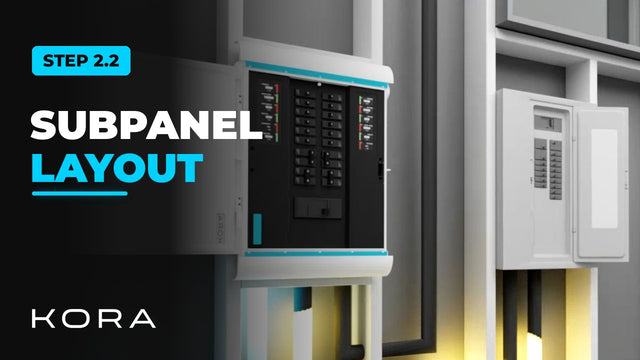
Kora Founders Edition Install 2.2 | Smart Panel as a Subpanel
Install the Smart Panel as a subpanel downstream of the existing main panel and choose which circuits get backup.
Watch -
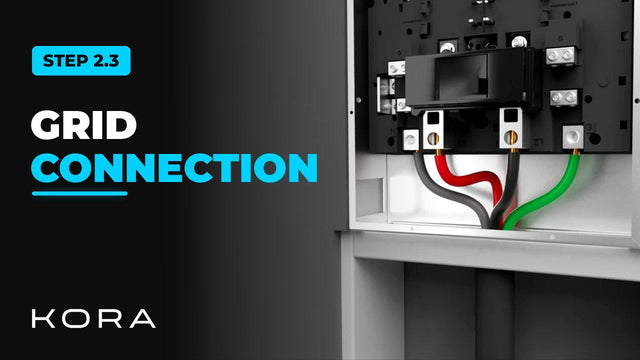
Kora Founders Edition Install 2.3 | Grid Connection: Ground, Neutral and Hots
Land the utility feed in the Kora Smart Panel: ground and neutral first, then the two hots.
Watch -
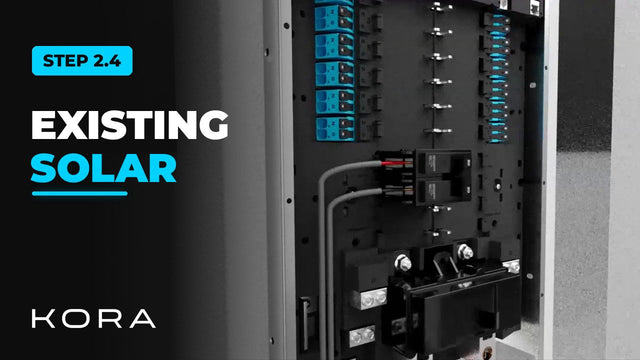
Kora Founders Edition Install 2.4 | Connecting Existing Solar
If the home already has solar, its inverter output lands in the Smart Panel's built-in PV breaker position.
Watch -
Kora Founders Edition Install 2.5 | Landing the Branch Breakers
Connect the branch breakers, the circuits the homeowner controls in the Kora Power App.
Watch -
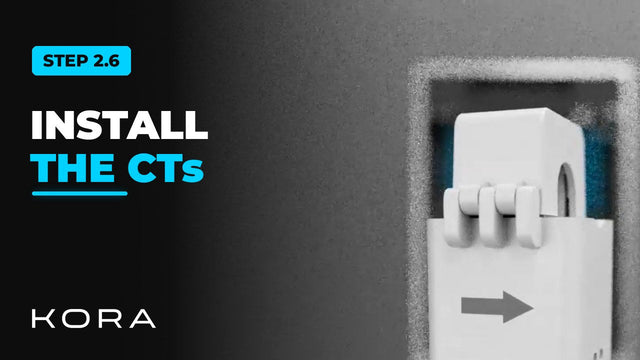
Kora Founders Edition Install 2.6 | Installing Current Transformers (CTs)
Install the current transformers, the sensor clamps that let the system measure energy.
Watch -
Kora Founders Edition Install 2.8 | Network Connection: Ethernet and Wi-Fi
Connect the Smart Panel to the internet: Ethernet to the router, with Wi-Fi as the backup.
Watch -
Kora Founders Edition Install 2.9 | Wiring the Emergency Stop (E-Stop)
Connect the emergency stop button to the Smart Panel's E-stop terminals.
Watch -
Kora Founders Edition Install 2.10 | Smart Panel Installed: Next, Powerblocks
The Kora Smart Panel is mounted and wired. Next, bring in the Powerblocks.
Watch