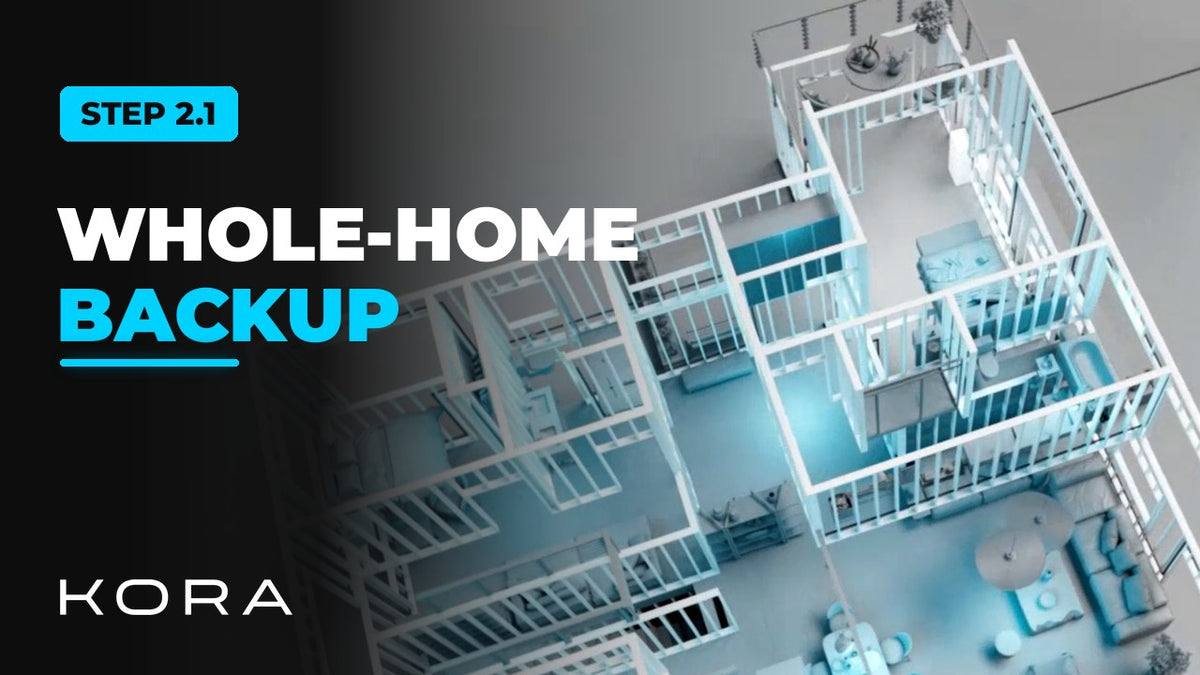
Kora Founders Edition Install 2.1 | Whole-Home Backup: Smart Panel as Main Panel

Install the Kora Smart Panel as the home's main panel so every circuit can be backed up.

1 min read

Install the Kora Smart Panel as the home's primary electrical panel and every circuit can be backed up. It connects the home's circuits to the grid during normal operation and manages every one of them.

In an outage, the Powerblocks can keep the whole home powered, subject to battery capacity and the home's power needs. Backup isn't limited to a separate group of circuits.

What this layout gives you

  • Every circuit is managed through the Smart Panel
  • The Smart Panel monitors and controls every circuit and manages loads automatically
  • No separate critical-loads panel is needed

Part of the Kora Smart Panel installation series for licensed electricians installing the Kora Founders Edition. Previous: 1.9 Flush-Mount Door Depth and Swing. Next: 2.2 Smart Panel as a Subpanel.

From the manual

The matching pages from the Kora Smart Panel & Powerblocks Installation Manual. Always follow the manual and local code.

  • Kora installation manual page 29: 4.1 Backup Topologies (Fig. 8)
    Manual p. 29 – 4.1 Backup Topologies (Fig. 8)
  • Kora installation manual page 28: 4.1 Main Panel vs. Subpanel
    Manual p. 28 – 4.1 Main Panel vs. Subpanel

Keep reading

View all

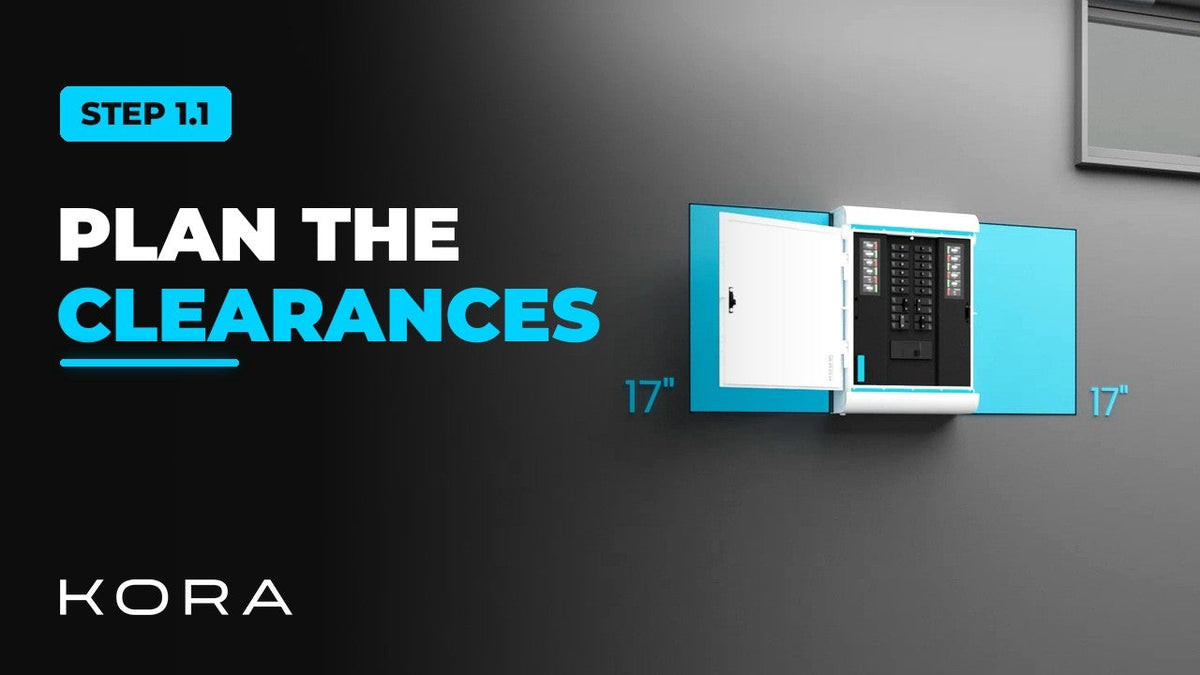
Kora Founders Edition Install 1.1 | Smart Panel Clearances and Location

Kora Founders Edition Install 1.1 | Smart Panel Clearances and Location

Plan where the Kora Smart Panel goes and confirm the working clearances before anything goes on the wall.

Read more

Kora Founders Edition Install 1.2 | Kill the Power: Lockout/Tagout

Kora Founders Edition Install 1.2 | Kill the Power: Lockout/Tagout

Shut off the service and make the work area safe before you touch a single wire.

Read more

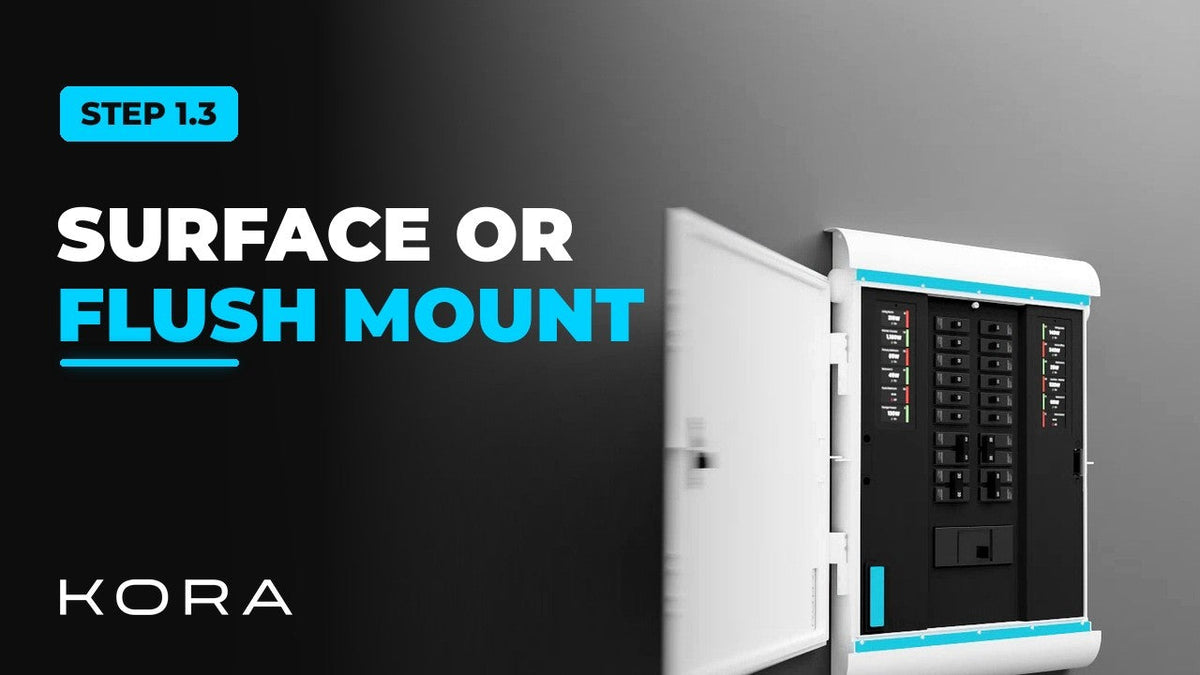
Kora Founders Edition Install 1.3 | Surface Mount vs. Flush Mount

Kora Founders Edition Install 1.3 | Surface Mount vs. Flush Mount

Choose between surface mounting the Kora Smart Panel and flush mounting it into the wall.

Read more