Kora Founders Edition Install 2.6 | Installing Current Transformers (CTs)

Install the current transformers, the sensor clamps that let the system measure energy.

1 min read

Install the current transformers (CTs), the sensor clamps that let the system measure energy flowing in and out of the home.

Clamp each CT around a single hot conductor with the arrow pointing toward the source of power. Direction matters, and it's confirmed during setup.

Key steps

  • Clamp each CT around only one hot conductor
  • Point the arrow toward the source of power
  • Main service CTs point toward the utility
  • Confirm each CT's direction in the app during setup

Part of the Kora Smart Panel installation series for licensed electricians installing the Kora Founders Edition. Previous: 2.5 Landing the Branch Breakers. Next: 2.8 Network Connection: Ethernet and Wi-Fi.

From the manual

The matching pages from the Kora Smart Panel & Powerblocks Installation Manual. Always follow the manual and local code.

  • Kora installation manual page 57: 9.4 Current Transformers (CTs)
    Manual p. 57 – 9.4 Current Transformers (CTs)
  • Kora installation manual page 58: 9.4 CT Orientation (Fig. 24)
    Manual p. 58 – 9.4 CT Orientation (Fig. 24)

Keep reading

View all

Kora Founders Edition Install 1.1 | Smart Panel Clearances and Location

Kora Founders Edition Install 1.1 | Smart Panel Clearances and Location

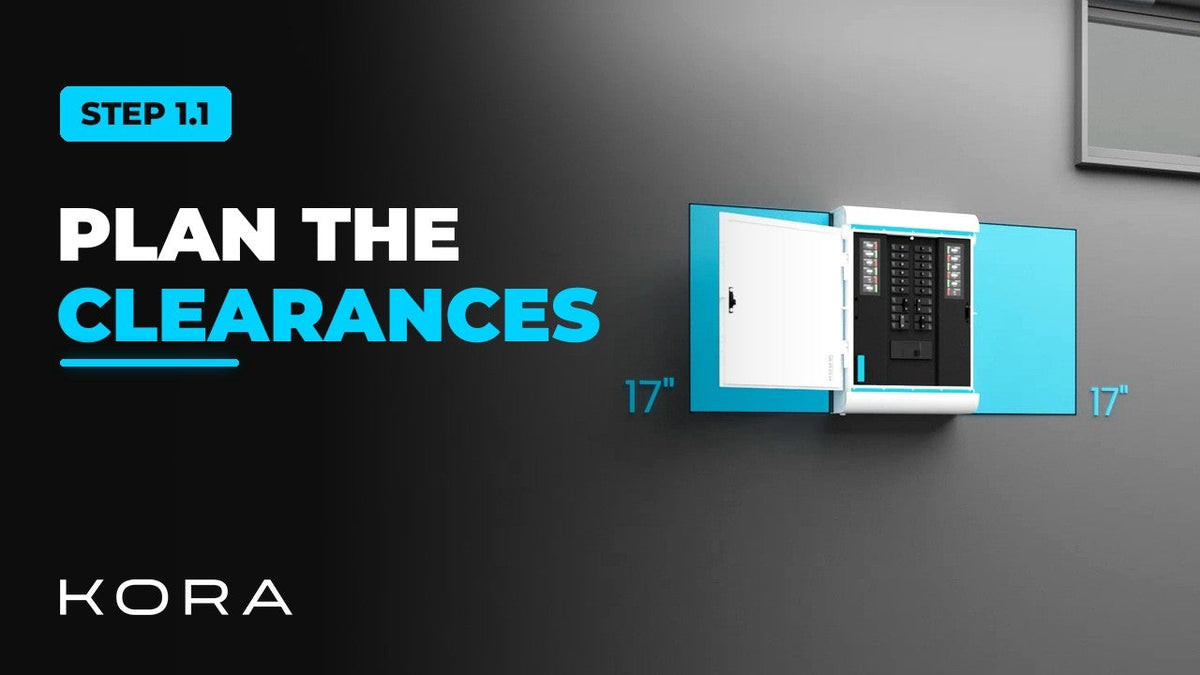
Plan where the Kora Smart Panel goes and confirm the working clearances before anything goes on the wall.

Read more

Kora Founders Edition Install 1.2 | Kill the Power: Lockout/Tagout

Kora Founders Edition Install 1.2 | Kill the Power: Lockout/Tagout

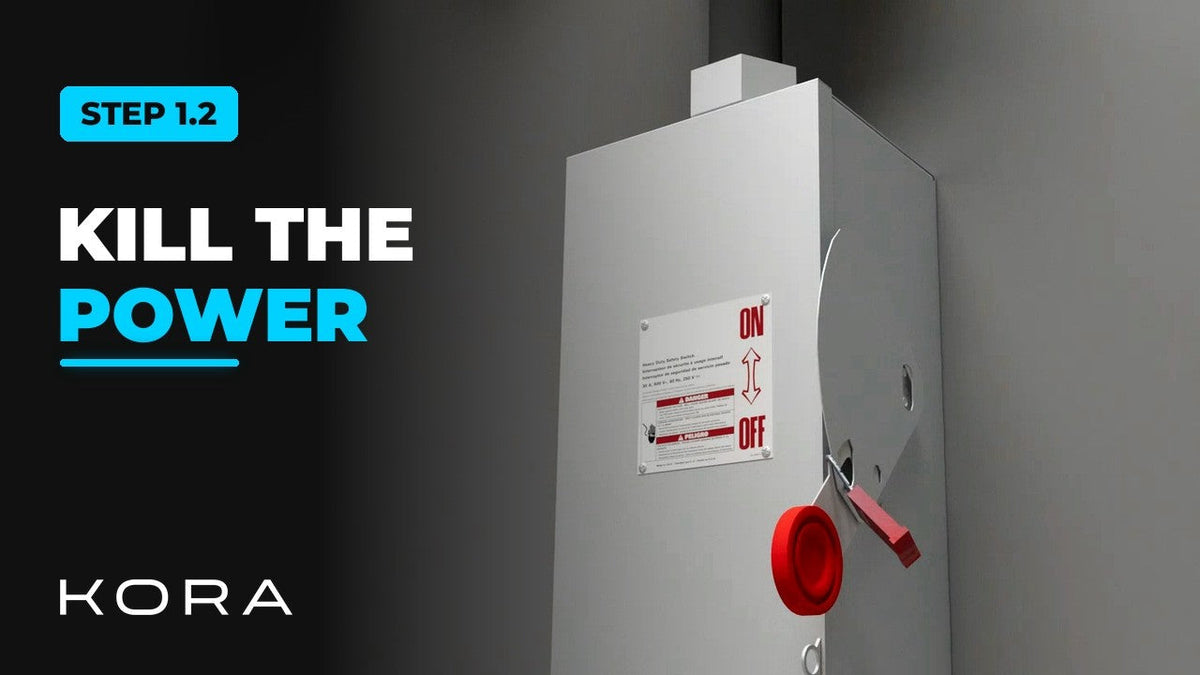
Shut off the service and make the work area safe before you touch a single wire.

Read more

Kora Founders Edition Install 1.3 | Surface Mount vs. Flush Mount

Kora Founders Edition Install 1.3 | Surface Mount vs. Flush Mount

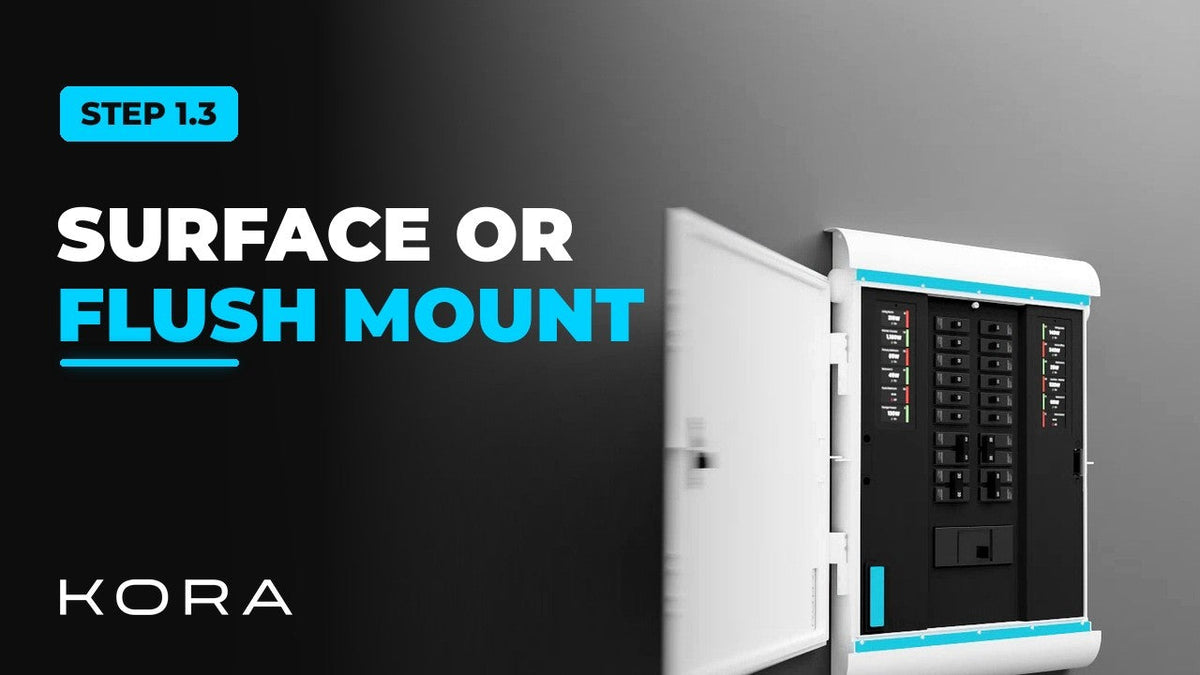
Choose between surface mounting the Kora Smart Panel and flush mounting it into the wall.

Read more